Own your markdown.
Use it anywhere.
Capture AI answers. Edit in WYSIWYG. Share, bundle, deploy as context. Owned, edited, portable.
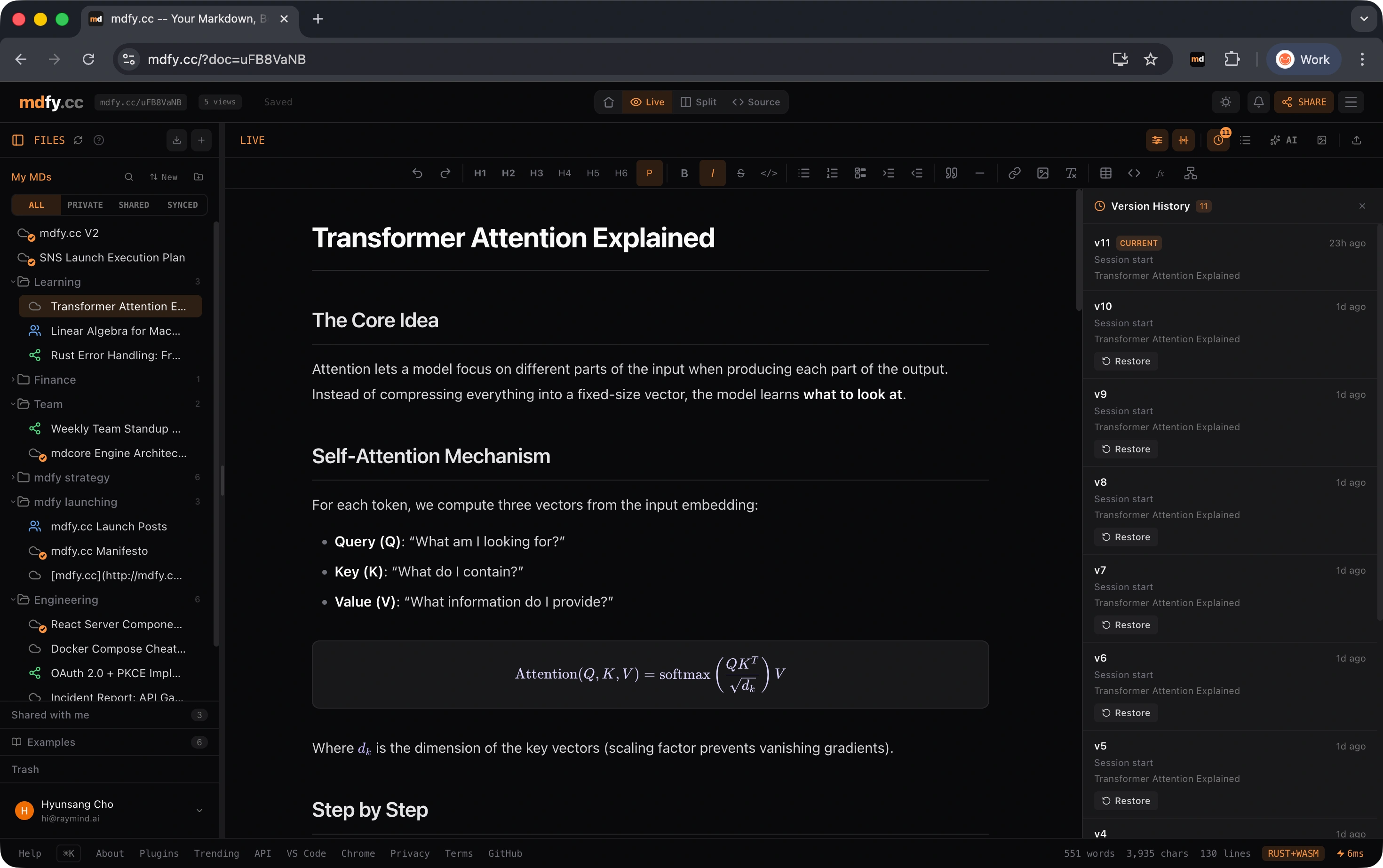
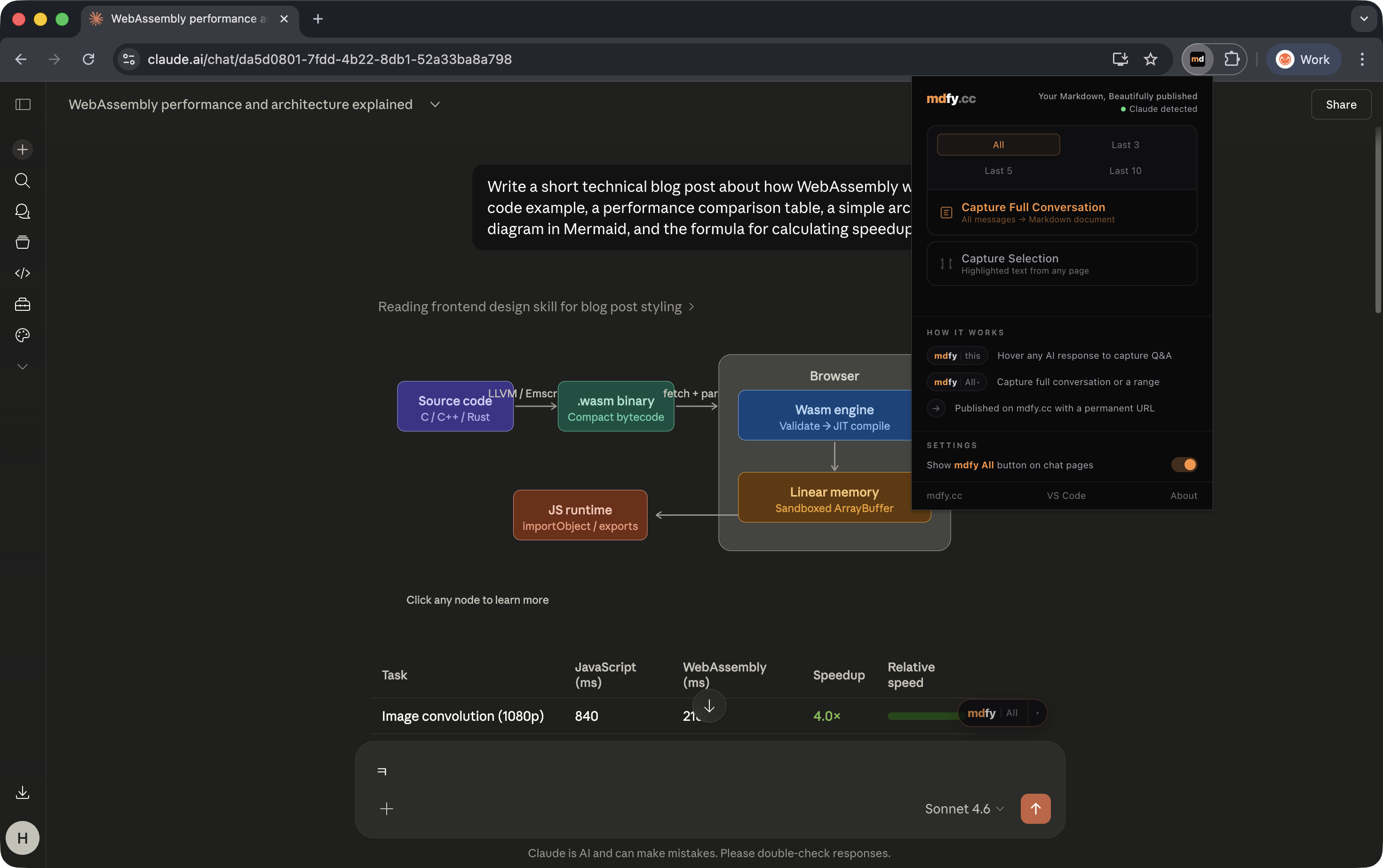
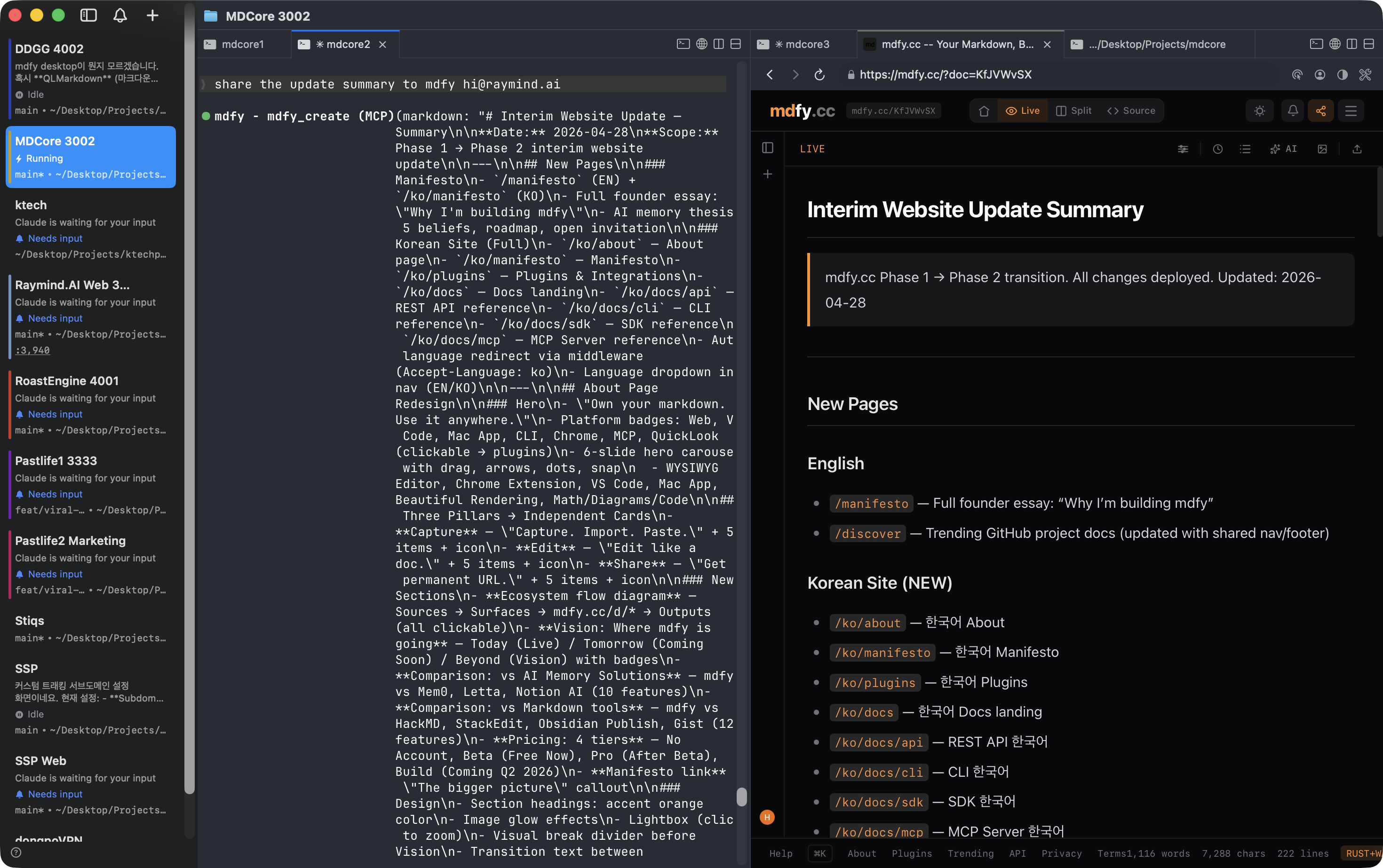
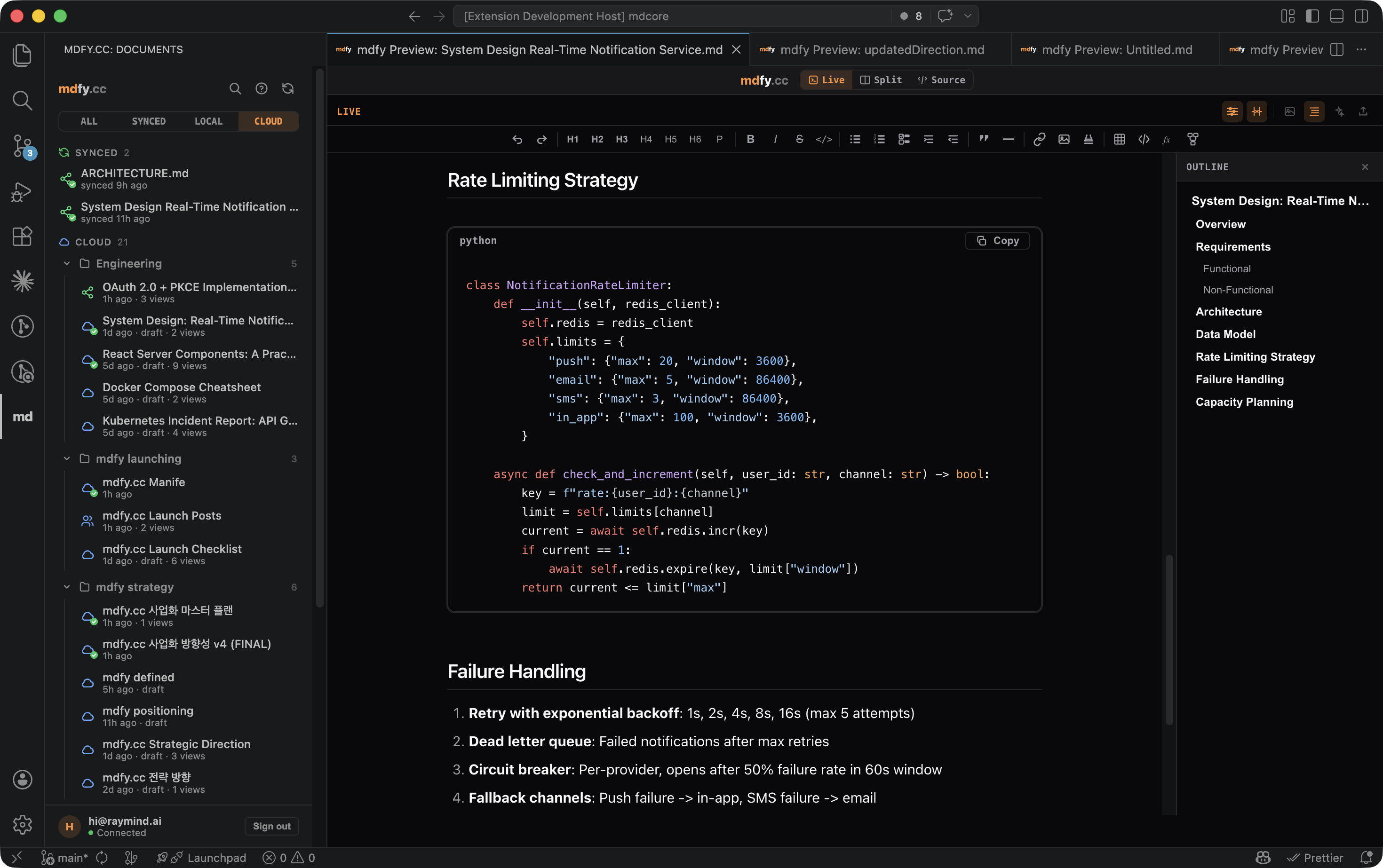
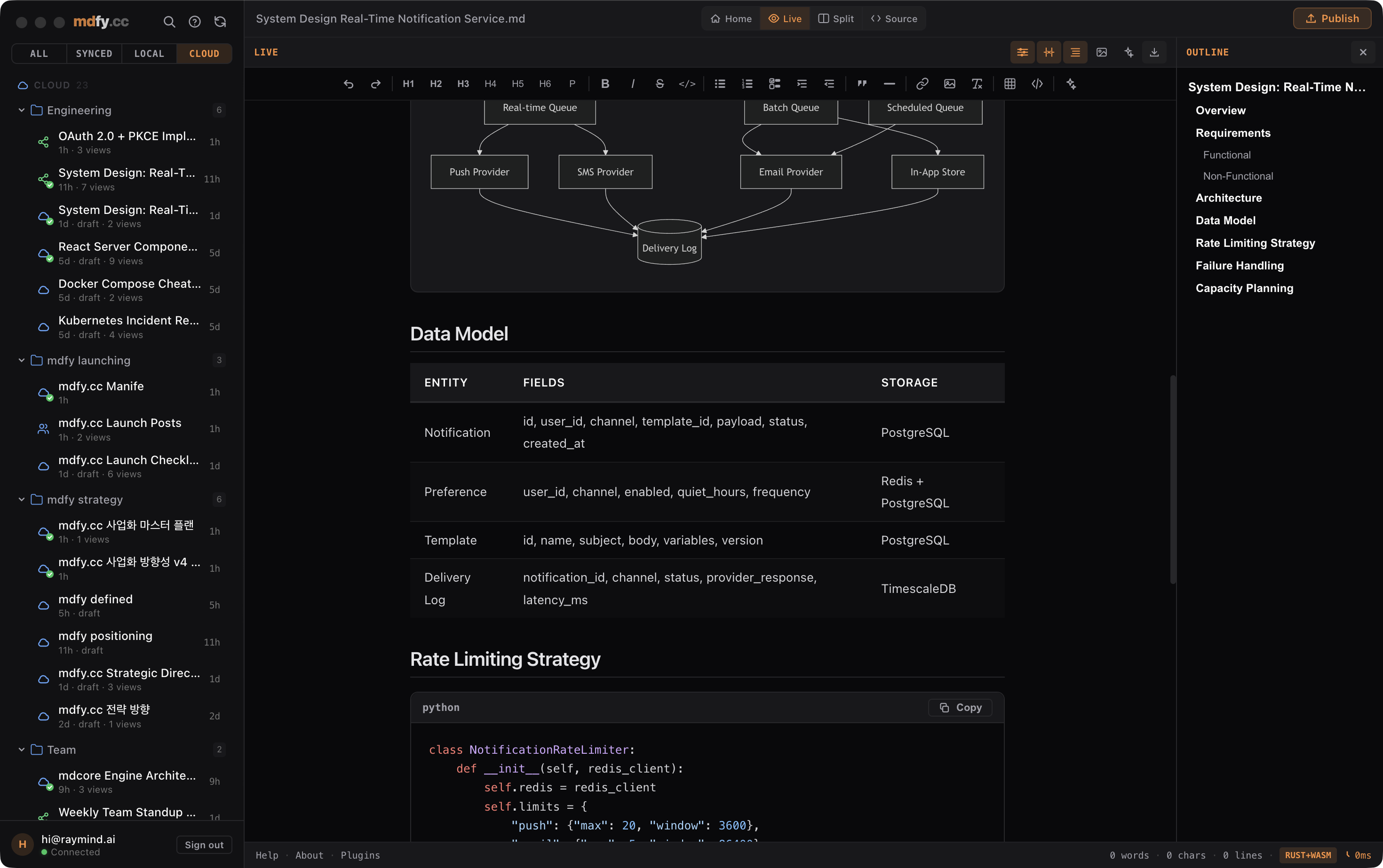
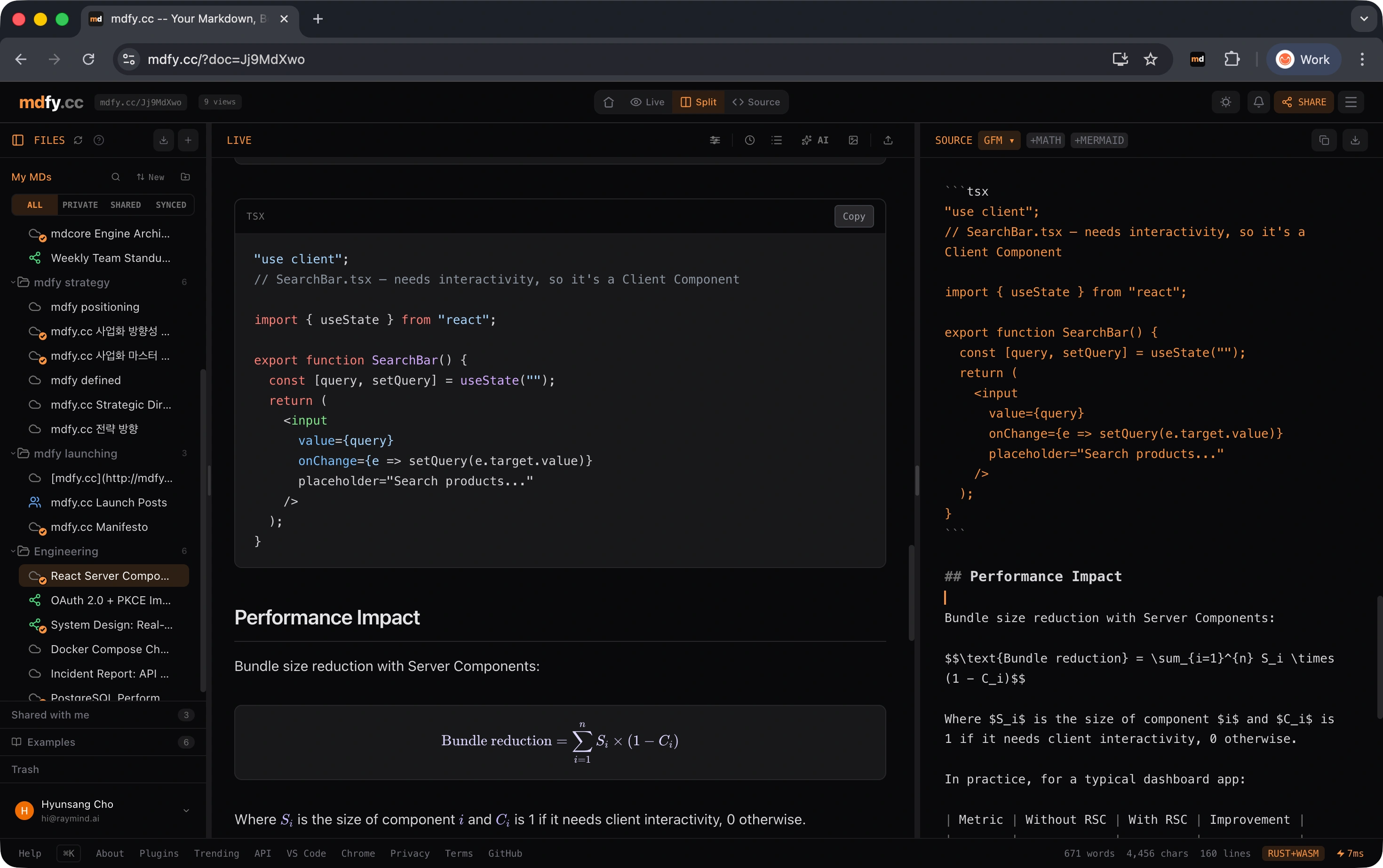
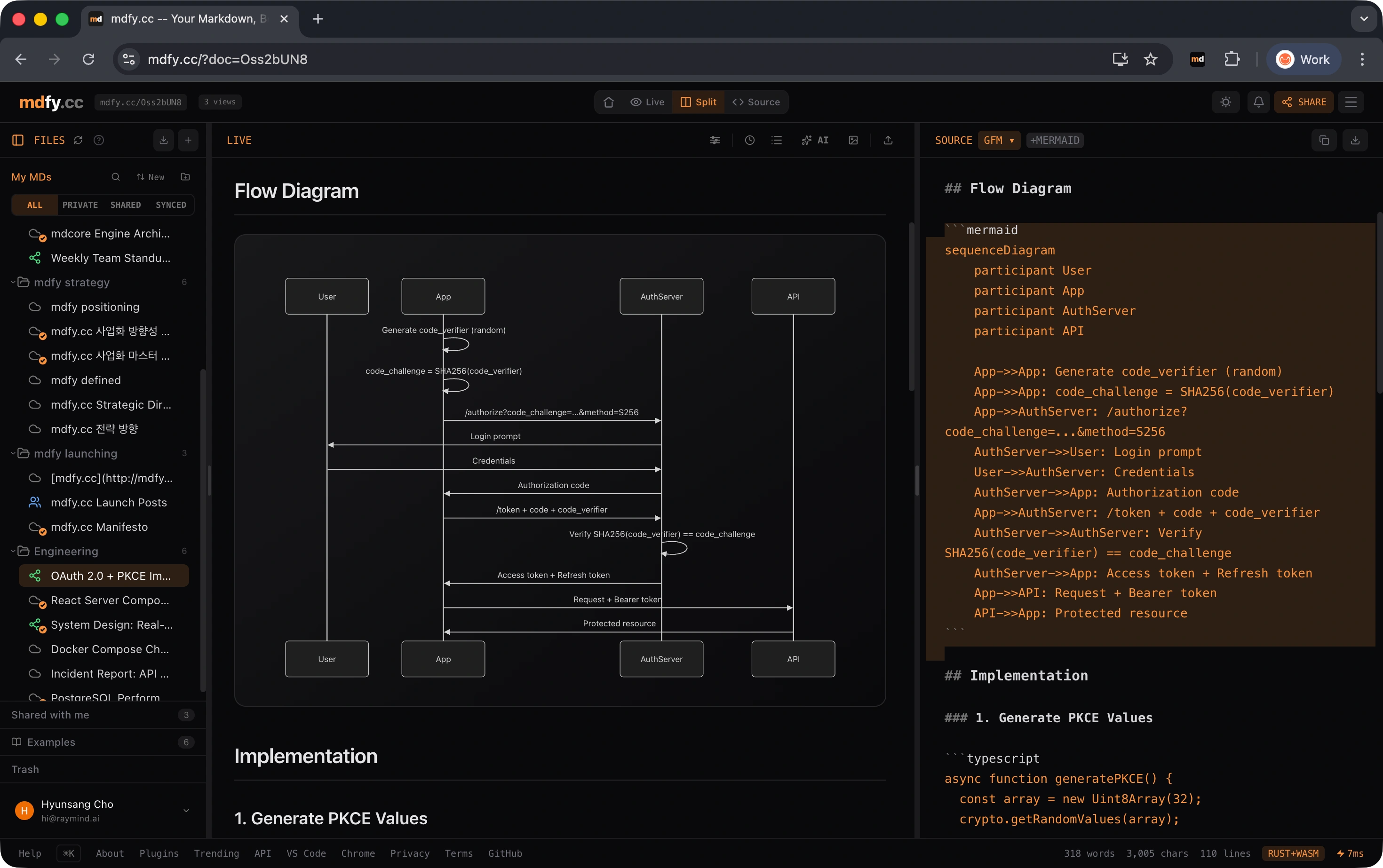
Also works from VS Code, Mac app, CLI, and MCP server. See all integrations →
One URL, every surface
Write from 7 surfaces. Read from anywhere. One permanent URL connects them all.
What you can do
Every feature is built to work together. Import from anywhere, edit how you want, share with one click.
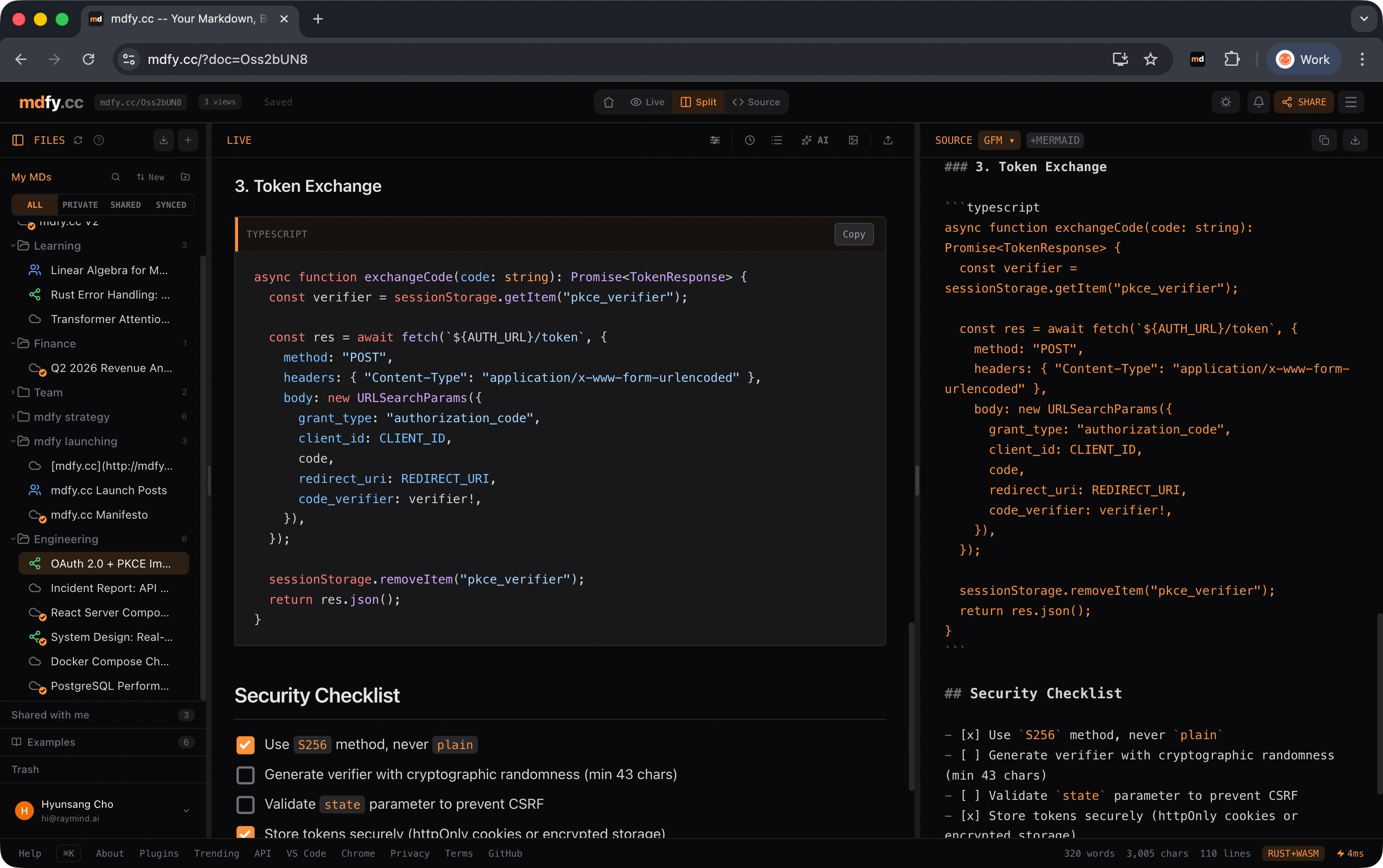
Edit directly in the rendered preview. Bold, italic, headings, lists — click and type like a word processor.
One click generates a short URL. Anyone can view your beautifully rendered document — no app needed.
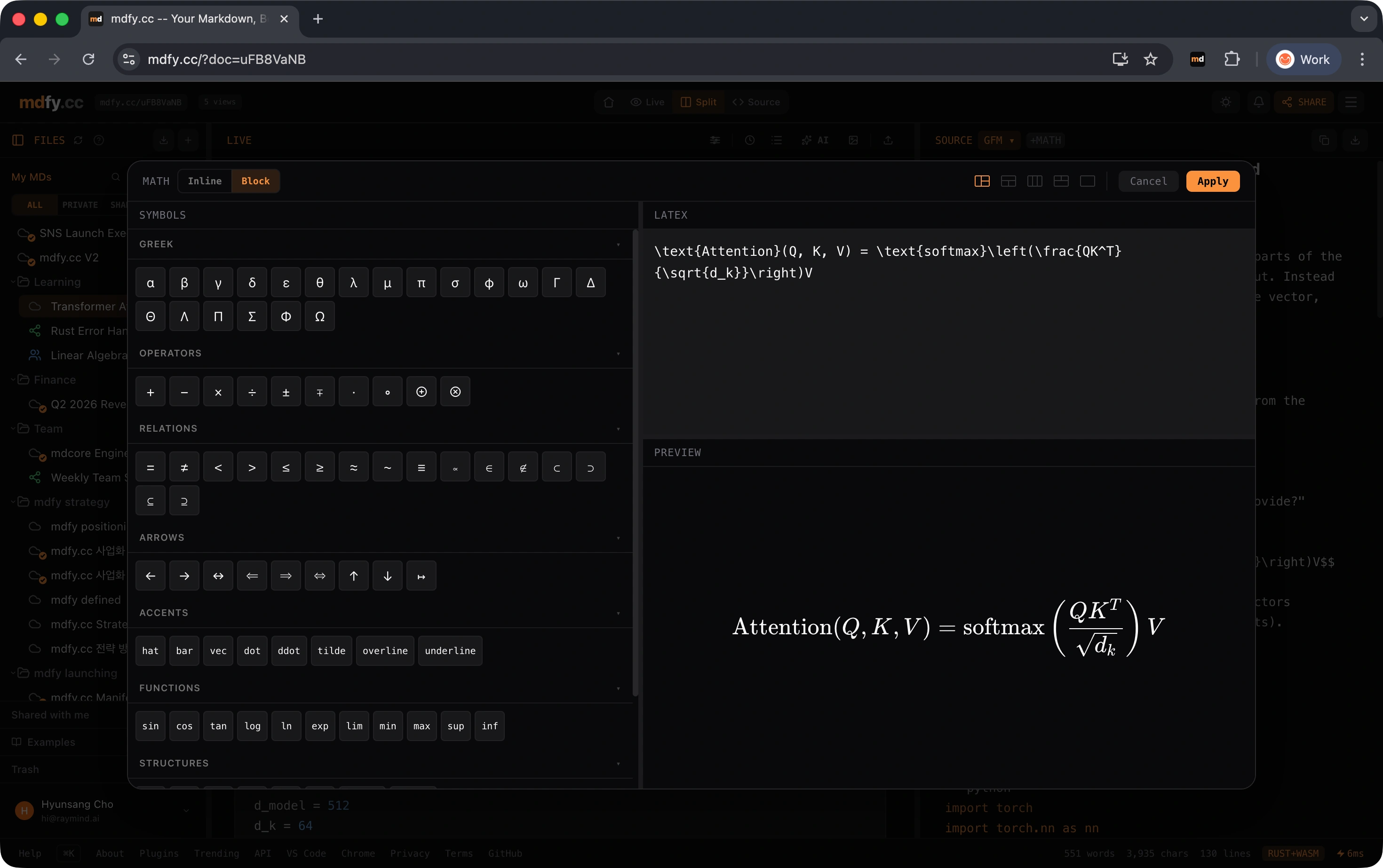
Inline and display math equations rendered with LaTeX-quality precision. Write formulas that look publication-ready.
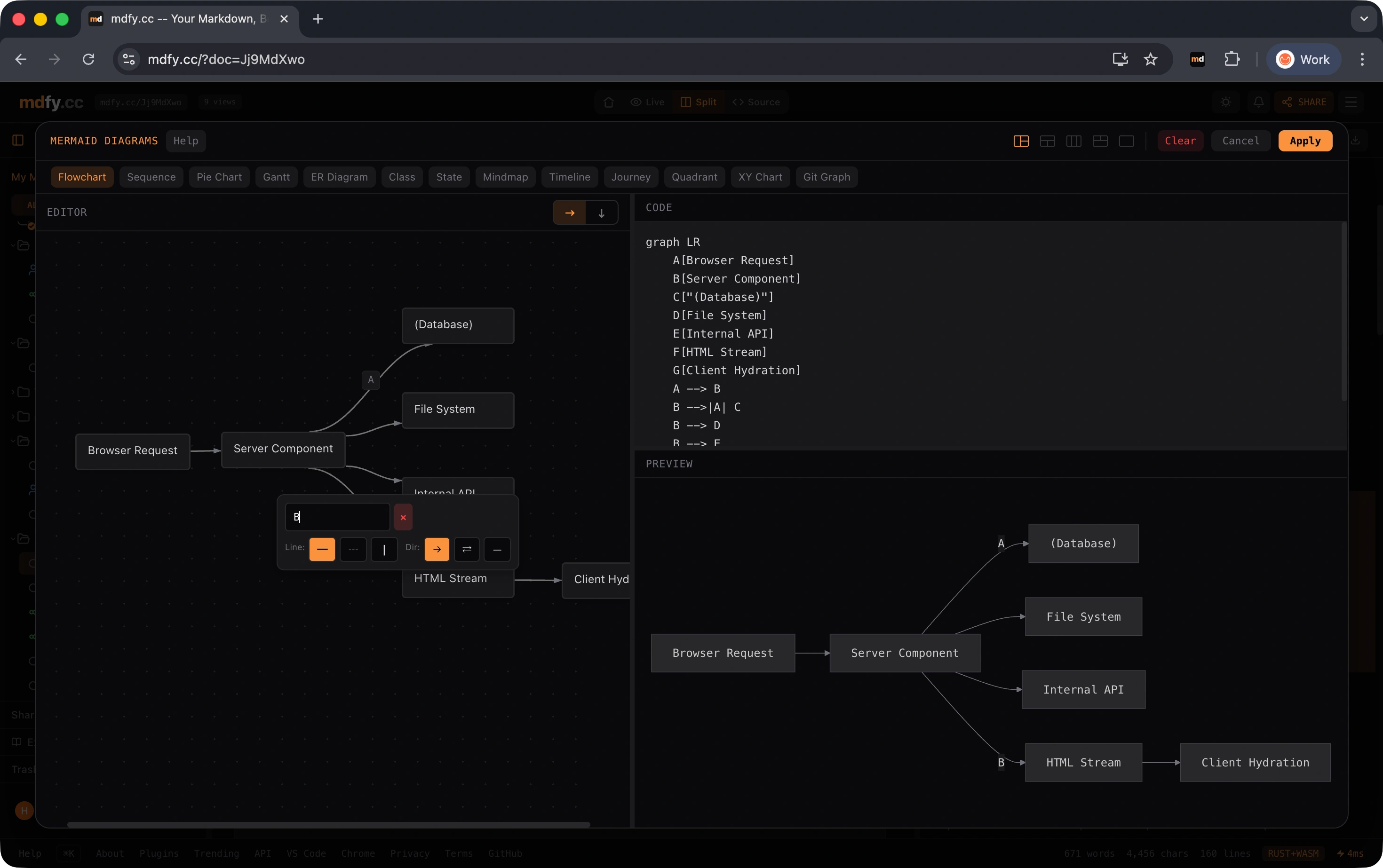
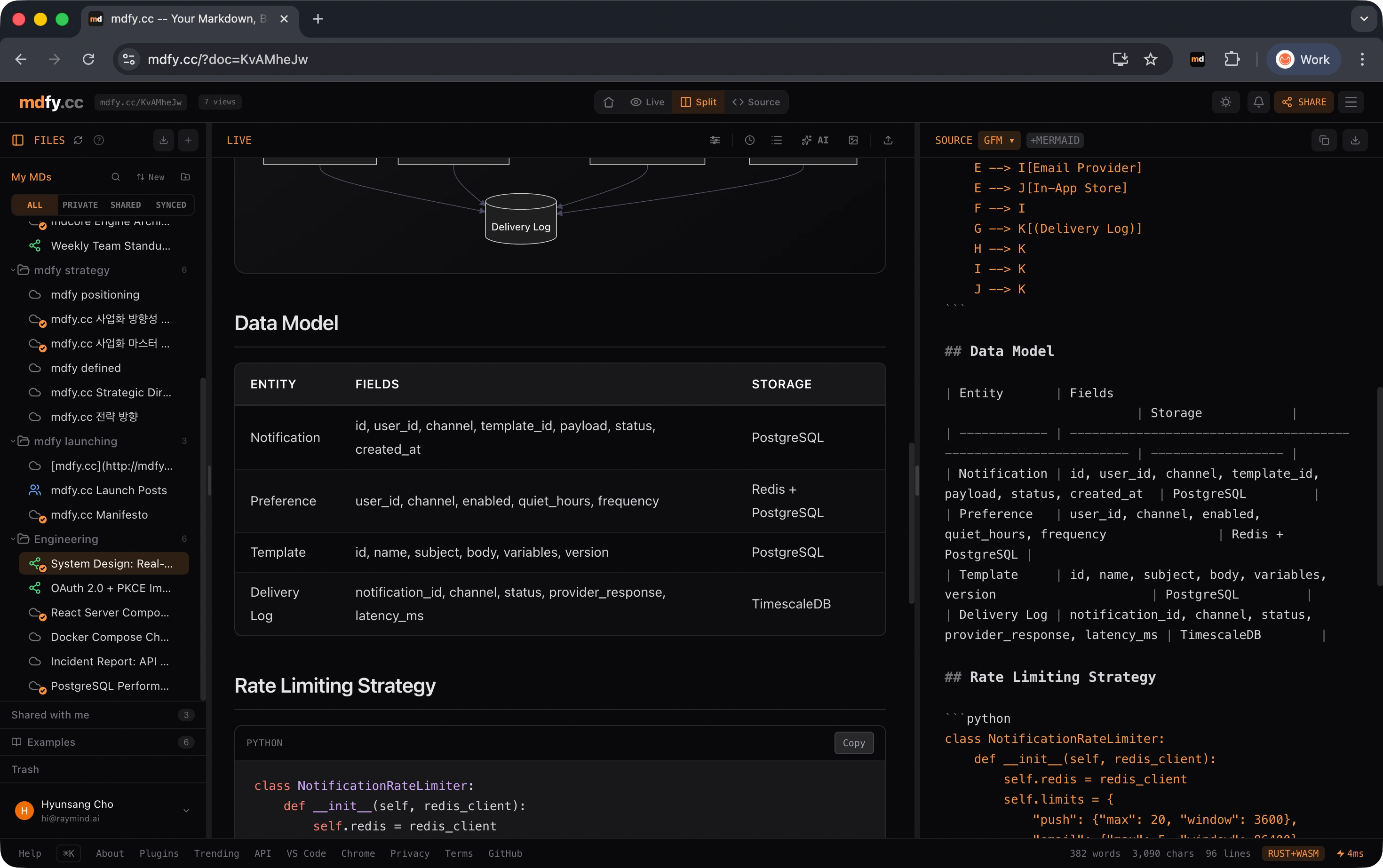
Flowcharts, sequence diagrams, Gantt charts — write them in Markdown, see them as interactive visuals.
190+ languages with syntax highlighting via highlight.js. Every programming language you write in.
Two carefully crafted themes. Your preference is saved locally. Shared docs respect the viewer's choice.
PDF, Word, PowerPoint, Excel, HTML, CSV, LaTeX, RST, RTF — drop any file and get Markdown. AI-powered mdfy restructures raw text.
Every change is tracked. Revert to any previous version. The URL stays the same — recipients always see the latest.
Under the hood
A Rust engine compiled to WASM renders your Markdown in ~2ms. No server round-trip for previews.
The problem
You get great answers from AI every day. Then you close the tab and they disappear forever.
Before mdfy
- - .md files are raw text nobody wants to read
- - Copy to Google Docs — formatting breaks
- - Share via Slack — looks like code
- - Different AIs, different formats
- - Edit requires VS Code or terminal
- - Version control? Manual backups
With mdfy
- + Every .md gets a beautiful, shareable URL
- + Edit in browser — no install, no login to view
- + Works with every AI — ChatGPT, Claude, Gemini
- + Edit from Mac, VS Code, Chrome, or mobile
- + Version history, sharing permissions, access control
- + Import anything — PDF, DOCX, PPTX, paste
Where mdfy is going
Everything above works today. Here is what we are building next.
Today
LivePhase 1
- Multi-surface capture
- Beautiful WYSIWYG editing
- Permanent URLs with sharing
- AI tools (polish, summary, translate, chat)
- 14+ file format imports
- KaTeX math, Mermaid diagrams, syntax highlighting
Tomorrow
Coming SoonPhase 2 — Q2 2026
- Memory Bundle — Multiple mdfy URLs as a single deployable AI context
- Semantic search — Find by meaning, not just keyword
- Bundle versioning — Snapshot a moment. Compare evolutions
- MCP write access — Let AI agents write back to your memory
Beyond
VisionPhase 3+
- mdfy Bundle Spec — Open standard for AI memory bundles
- Bundle marketplace
- Team workspaces
- Enterprise self-host
mdfy vs Markdown publishing tools
Publish Markdown to the web. How does mdfy stack up?
| mdfy.app | HackMD | StackEdit | Obsidian Publish | GitHub Gist | |
|---|---|---|---|---|---|
| No signup to publish | ✓ | — | — | — | — |
| Instant shareable URL | ✓ | ✓ | — | ✓ | ✓ |
| WYSIWYG editing | ✓ | — | — | — | — |
| Source stays on your machine | ✓ | — | — | ✓ | — |
| KaTeX math | ✓ | ✓ | — | ✓ | — |
| Mermaid diagrams | ✓ | ✓ | — | ✓ | — |
| CLI publish / pipe | ✓ | — | — | — | ✓ |
| AI integration (MCP) | ✓ | — | — | — | — |
| VS Code extension | ✓ | — | — | — | — |
| Chrome extension | ✓ | — | — | — | — |
| Mac desktop app | ✓ | — | — | — | — |
| Bidirectional sync | ✓ | ✓ | — | ✓ | — |
mdfy vs AI Memory Solutions
Other tools extract memory from your conversations automatically. mdfy takes a different approach: you decide what to remember.
| mdfy.app | Mem0 | Letta | Notion AI | |
|---|---|---|---|---|
| Author your own memory | ✓ | — | — | △ |
| Markdown native | ✓ | — | — | △ |
| Permanent URLs | ✓ | — | — | — |
| Multi-LLM agnostic | ✓ | ✓ | ✓ | — |
| Open source engine | ✓ | ✓ | ✓ | — |
| Bundle for deployment | ✓ | — | — | — |
| Human-readable storage | ✓ | △ | △ | ✓ |
| MCP support | ✓ | ✓ | — | — |
| WYSIWYG editing | ✓ | — | — | ✓ |
| No vendor lock-in | ✓ | ✓ | ✓ | — |
Mem0 and Letta are excellent at what they do — they extract memory from your AI conversations automatically. mdfy answers a different question: what do you want to remember? You author. You bundle. You deploy.
Pricing
No Account
Use immediately, no sign-up
- + Instant rendering
- + Import / Export all formats
- + Share via hash URL
- - Local only, no cloud
- - No short URLs
Beta
Free NowEverything unlocked while we're testing
- + Unlimited documents
- + Documents never expire
- + Cloud sync across devices
- + Short URL sharing
- + AI mdfy structuring
- + All formats supported
- - mdfy.app badge on shared docs
Pro
After BetaPricing announced when beta ends
- + Everything in Beta
- + No badge on shared docs
- + Custom domain
- + View analytics
- + Password protection
- + Priority AI mdfy
- + Memory Bundles Coming Q2 2026
- + Semantic search Coming Q2 2026
- + Bundle versioning Coming Q2 2026
Build
Coming Q2 2026For AI builders and power users
- + Everything in Pro
- + Unlimited Memory Bundles
- + API access (read/write)
- + MCP server (full, write enabled)
- + Bundle versioning + snapshots
- + Bundle analytics
- + Webhook integrations
- + Format adapters (Claude XML, etc.)
The bigger picture
This is more than a markdown tool. Read why I'm building mdfy.
Read the manifesto →Paste something. See what happens.
No signup. No install. Paste any markdown and get a URL in 3 seconds.
Open Editor